
The complete workflow.
From bug to fix.
Scroll through how Claron transforms the entire feedback loop — from the moment a tester spots a bug to the verified fix in production.
 acme-web
Secure Checkout
Tester finds a bug.
Just marks it.
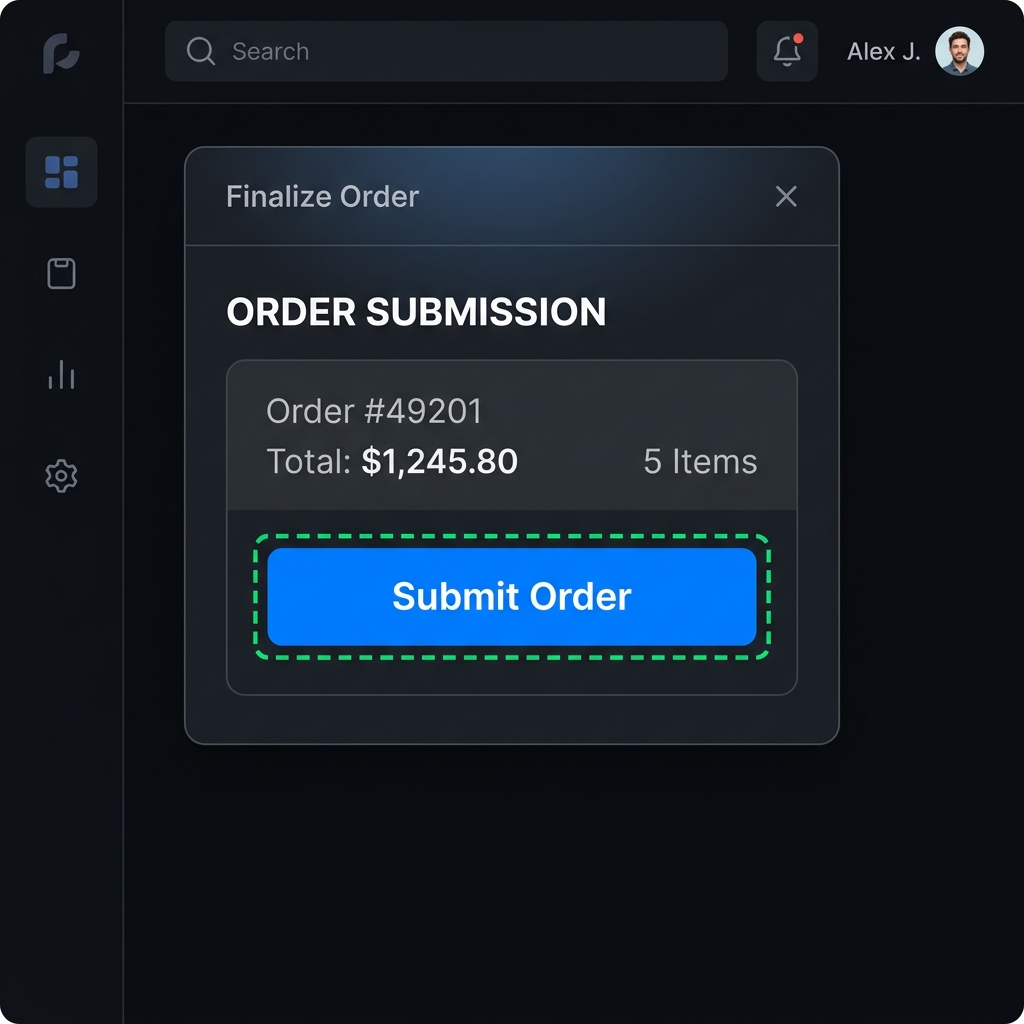
Your app is hosted on Claron for testers to test. They run it, they find a bug. Instead of writing a messy, context-less ticket with maybe a screenshot at best — they just mark it. Right there on the page. Click the element. Done.
Submit button unresponsive on mobile viewport
PublicDeveloper gets
everything.
The developer opens the annotation and gets it all. Screenshot. Console logs. Network requests. DOM selector. Source file mapping. The tester's exact interaction path. What didn't we capture?
Payment card throws TypeError on mobile viewport
full context: screenshot, logs, network, source — all auto-captured
Secure Checkout
Complete your order below.
Claron It!
See The Bug, Live.
Every Claron bug report has a “Claron It!” button. Click it, and a spotlight overlay guides you step-by-step through the exact navigation path the tester took — menus they opened, buttons they clicked, pages they visited — until you land on the exact element that triggered the bug. No guessing. No “cannot reproduce.” Try the live demo below.
Submit button broken on mobile
LINEAR-842
Dev · via Linear · 3m ago
Investigating — looks like a media query override. Fix incoming.
Ticket? Already
made.
The annotation auto-creates a ticket in Linear, Jira, or whatever your team uses. Change the status here? It changes there. Add a comment there? It shows up here in Claron. Fully synced, both ways.
Session Replayproduction
session_8f4a2c89
See exactly what
they did.
The entire session plays like a video. But unlike a video — pause it at any moment and inspect the full DOM tree. See what console logs fired. What network requests were made. What page transitions happened. All in sync.
AI Fix Suggestion
Claron AI Fixer94% confidenceSubmit button missing padding on mobile
The px-4 class is overridden by a media query. Appending sm:px-6 resolves spacing.
Don't find the line.
We handle that.
Tired of hunting for the code you need to change? Our AI maps the bug to your source code and generates the exact fix. Use the CLI to apply it locally, or open a PR with one click.
PR #128 · fix mobile submit padding
claron/fix-ann-8f4a2c · checks passed
Terminal Cockpit.
Keyboard First.
Bring Claron directly into your command line. Inspecting annotations, triaging inbox issues, diffing code changes, and applying patches is a lightning-fast, keyboard-driven experience inside a beautiful local terminal cockpit.
Fixed? We
auto-rebuild.
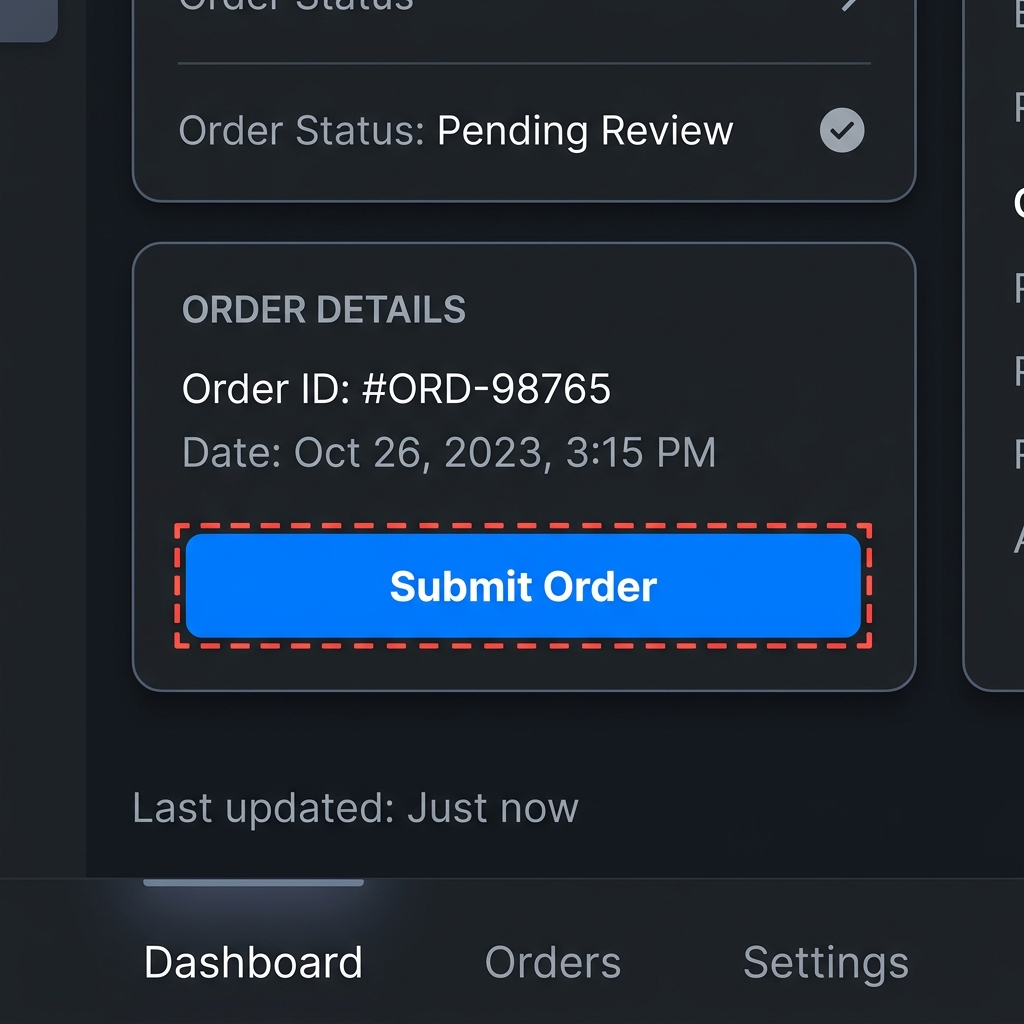
The developer pushed the fix. We auto-rebuild, pull the latest, and take an after screenshot — but only if the changed file is relevant to the annotation. AI helps us figure that out. Before screenshot. After screenshot. And the pixel diff between them. For both the element and the full page.
Synced with Sarah
Your view is locked to her actions. Click "Leave guided view" to explore independently.
Guided Mode Simulator
Syncing cursor, scroll, and viewport locks between Developer and Tester.
Guide them.
Live.
Still not enough? Use Guided Mode and Spotlight to point things out directly on their screen. Same app. Same build. Same environment. Real-time collaboration on the actual running application.
Production bug?
We've got you.
Use our SDK to build — we auto-upload hashed sourcemaps for you. Just npm link claron-sdk. Then use our extension to annotate. The extension captures the UI, and the SDK maps the production code back to your original sources in harmony. The only things you miss: pixel diff and after screenshots.